
ChmZoomer
Version 1.0.0
Shareware
$19.95
1 downloads
With Microsoft Internet Explorer 7/8 you can make Web
pages easier to read by magnifying the page (zooming
in). But the zoom function can't works in other
browser-based applications.
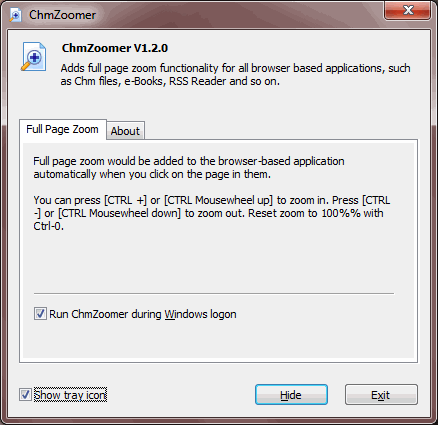
ChmZoomer gives you handy full page zoom functionality
in all other browser-based applications, such as Chm
files, e-Books, RSS Reader and so on. That is just
like in IE7/8. The shortcut keys are the same as IE
and Firefox. Press [CTRL +] or [CTRL Mouse wheel up]
to zoom in. Press [CTRL -] or [CTRL Mouse wheel down]
to zoom out. Reset zoom to 100% with Ctrl-0.
pages easier to read by magnifying the page (zooming
in). But the zoom function can't works in other
browser-based applications.
ChmZoomer gives you handy full page zoom functionality
in all other browser-based applications, such as Chm
files, e-Books, RSS Reader and so on. That is just
like in IE7/8. The shortcut keys are the same as IE
and Firefox. Press [CTRL +] or [CTRL Mouse wheel up]
to zoom in. Press [CTRL -] or [CTRL Mouse wheel down]
to zoom out. Reset zoom to 100% with Ctrl-0.
Program details
Publisher
Garvey LiuE-mail
Contact the publisherHome page
http://www.goldgingko.com/chmzoomer/Platforms
Windows 2000<br>Windows XPFile size
1765 KBFile date
12/12/2009License
SharewareExpires after
15 daysInstallation
Install & UninstallRecord updated
12/15/2009


