
Automatically Capture Screenshots Of Websites In Internet Explorer & Firefox Software
Version 7.0
Shareware
$19.99
0 downloads
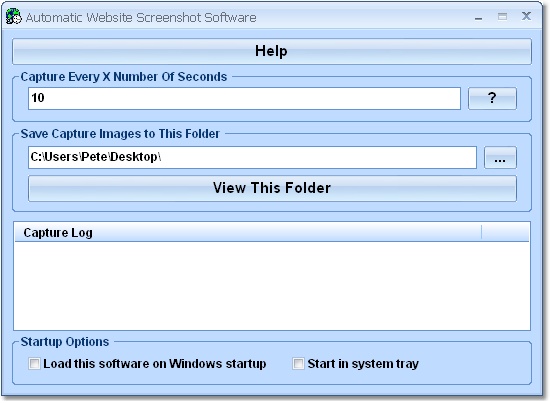
Automatically take screenshots of the websites visited
in your browser. You can choose to have screenshots
taken as soon as a new page is loaded or at a
specified interval (10 seconds, 60 seconds, 300
seconds, etc). Screenshots will be saved as JPG files
so you can view them later. This software will allow
you to obtain a visual history of your web activity.
This application sits in the system tray at the bottom
right corner of the screen.
in your browser. You can choose to have screenshots
taken as soon as a new page is loaded or at a
specified interval (10 seconds, 60 seconds, 300
seconds, etc). Screenshots will be saved as JPG files
so you can view them later. This software will allow
you to obtain a visual history of your web activity.
This application sits in the system tray at the bottom
right corner of the screen.
Program details
Publisher
Peter SobolE-mail
Contact the publisherPlatforms
Windows ME<br>Windows 2000<br>Windows XPFile size
818 KBFile date
8/29/2010License
SharewareInstallation
Install & UninstallRecord updated
8/30/2010

