AudioEditorASWfree
Version 3.2.0.17
Freeware
Free
0 downloads
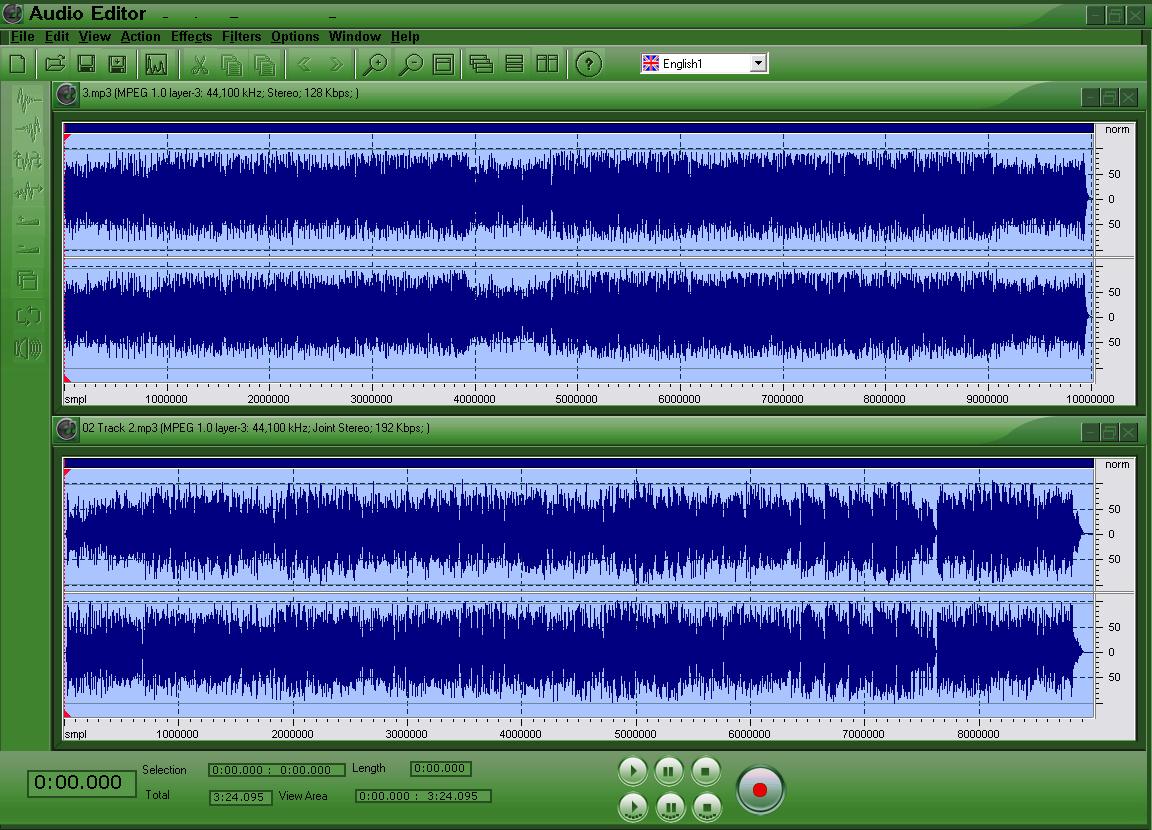
Thepowerfuleasy-to-usedigitalaudioeditingprogramyoucanuse.WithAudioEditoryoucan:1-OpenalotofaudiofileslikeMP3,MP2,WAV,WMA,OGG,VOX,G726,RAW,DSS,CDA,MPC,PCM,GSM…etc.2-Savetoseveralaudioformats:MP3,WAV,VOX,OGG,G726,WMA,andRAW3-EditID3Tagsofthefollowingfiletypes:WAV,MP3,WMA,andOGG.4-Recordfromallavailableaudiosourcesinyoursystemlikemicrophone,Stereomix,Linein.etc.youcanmixorinserttherecordedaudiointothecurrentaudioorrecordinanewwindow.5-Copy,Cut,Paste,andothereditingoperationsontheopenedaudiofiles.6-Applyalotofeffectsontheopenedaudiofiles.7-Applyalotoffiltersontheopenedaudiofiles.8-ViewFrequencyAnalysisoftheopenedaudiofiles.9-Mixaudiofilesandsavetheoutput.Somemenuitemswillnotactivateuntilyouopenafilelike“actionâ€‌menuitems,Trim,Insertsilence….Allâ€کEffectsâ€‌menuitems,All“Filtersâ€‌menuitems,Some“Editâ€‌menuitemswillnotactivateuntilyouselectaportionofthewaveform.Watchtheselectioninformationatthebottom.Youcanchangetherecorddevicedependingonsourcethatyouwillrecordfrom,itmaybe"Microphone"torecordfromamicrophoneor"StereoMix"torecorddirectlyfromyoursoundcardthatmeansyoucanplayasonginthebackgroundandrecordfromit.Youcanchoosefromotherlisteddevices.Inthesamewayyoucanchangetheoutputdevice[PlayDevice].YoucanChangethetemporarydirectorythatwillbeusedasaswapspaceforAudioEditoroperations.Youshouldselectadirectoryinasufficientfreespacepartition.TheFrequencyAnalysisshowsyouhowmuchafrequencyoccursintheaudiofile,youcanmovethecursortothegraphandwatchthecursorvalueinthecursorframeIfyouseenothing,trychangingtheFFTsizeandFFTwindow.TagInformationisinformationrelatedtothemediafiles,youcangetitinWindowsXPbygettingthepropertiesofthefileandtheneditthesummarytab.
Program details
Publisher
AUDIOSHAREWARE.COME-mail
Contact the publisherPlatforms
Windows 98<br>Windows XPFile size
10362 KBFile date
1/1/2011License
FreewareInstallation
Install & UninstallRecord updated
5/26/2011


