
VeryPDF CHM to PDF Converter
Version 2.0
Shareware
$39.95
0 downloads
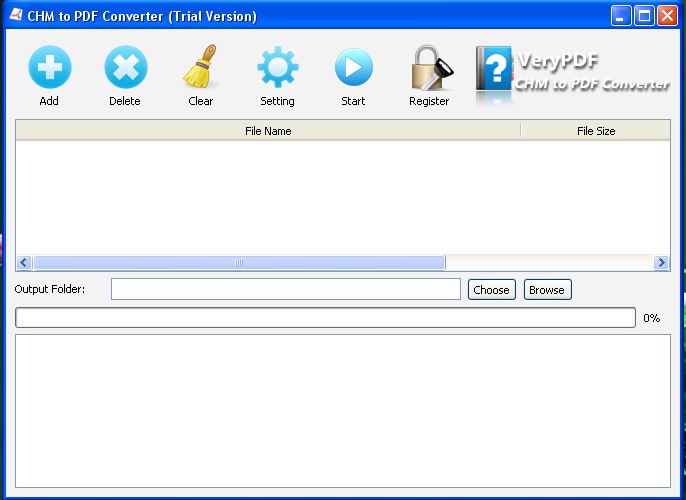
VeryPDF CHM to PDF Converter offers an easy way to
convert CHM to PDF file. With CHM to PDF Converter, you
can easily extract any chapter or section from CHM and
convert it into a PDF file. With it, you can also
convert CHM indices of content to PDF bookmarks. In the
conversion, you can set PDF page size, margins, page
orientation, etc.
Features of VeryPDF CHM to PDF Converter:
1. Support batch conversion.
2. Automatically rename an output file if a
file with the default name exists in output directory.
3. Retain colors and formats of original
hyperlinks.
4. Retain original images.
5. Retain the original font style, font size
and font color.
6. Set page orientation as portrait or landscape.
7. Generate PDF in grey scale and low quality.
8. Magnify the original page or reduce the
page size.
9. Support command line operation.
convert CHM to PDF file. With CHM to PDF Converter, you
can easily extract any chapter or section from CHM and
convert it into a PDF file. With it, you can also
convert CHM indices of content to PDF bookmarks. In the
conversion, you can set PDF page size, margins, page
orientation, etc.
Features of VeryPDF CHM to PDF Converter:
1. Support batch conversion.
2. Automatically rename an output file if a
file with the default name exists in output directory.
3. Retain colors and formats of original
hyperlinks.
4. Retain original images.
5. Retain the original font style, font size
and font color.
6. Set page orientation as portrait or landscape.
7. Generate PDF in grey scale and low quality.
8. Magnify the original page or reduce the
page size.
9. Support command line operation.
Program details
Publisher
VeryPDF VeryPDFE-mail
Contact the publisherPlatforms
Windows 95<br>Windows 98<br>Windows 2000<br>WindowFile size
11447 KBFile date
9/19/2012License
SharewareExpiration info
Either/Or - use it foreverInstallation
Install & UninstallRecord updated
9/21/2012

