
Remo Outlook Backup & Migrate
Version 2.0.1.60
Commercial Demo
$49.97
0 downloads
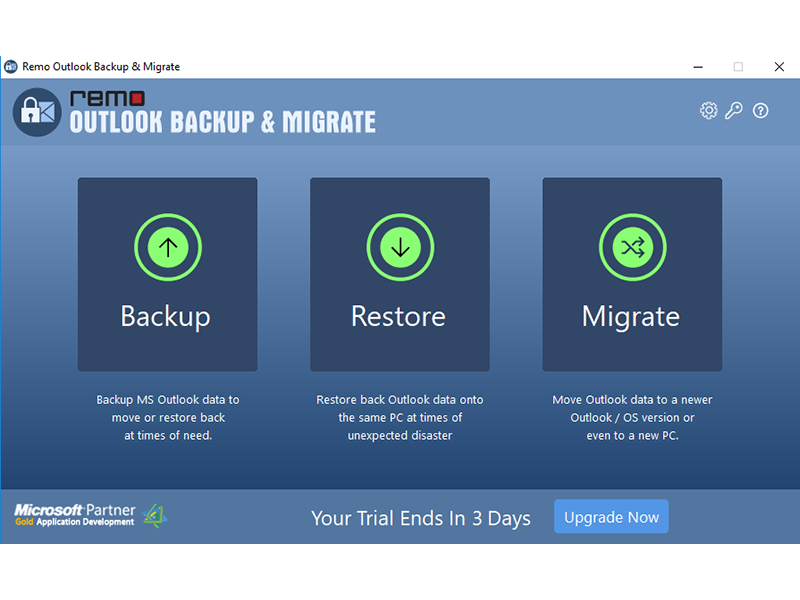
Manually moving Outlook to new computer is a painstaking process that involves high risk of losing entire Outlook data. Keeping this in consideration, Remo Outlook Backup and Migrate tool comes in handy when you are upgrading to higher version of Outlook, migrating to Outlook on another operating system or transferring Outlook data from one profile to another. Following are the salient features of Remo Outlook Backup and Migrate: You can backup and transfer Outlook attributes like Outlook settings, emails, calendar items, journal entries, tasks, notes, RSS feeds, junk email lists and signatures. The tool supports moving Outlook to Office 365, Outlook 2016, Outlook 2013, Outlook 2010, Outlook 2007, Outlook 2003. Takes entire backup of Outlook in just one click Built-in scheduler to take regular backup of Outlook data Compatible with all versions of Windows operating system Provides protection to the backup archives from Outlook with password. The tool backs up the Outlook data to a transfer friendly .obm file that can be saved to a flash drive. Just plug in the flash drive to the new computer after installing the software and import the file. Once imported the tools superior understanding of directories makes it close to impossible for you to notice any difference between the old and new profiles. Lastly take regular backups of your Outlook profile using built-in scheduler of Remo Outlook Backup and Migrate. These can later be used to restore Outlook backup inorder to bring back Outlook to its previous state especially when you have a lot of files and folders in the Outlook inbox.
Program details
Publisher
Remo softwareE-mail
Contact the publisherPlatforms
Win7 x32,Win7 x64,Win8 x32,Win8 x64,Windows 10,WinServer,Windows XP,Windows 2000,WinVista x64,WinOtherFile size
2955 KBFile date
1/4/2019License
Commercial DemoExpires after
3 daysInstallation
Install & UninstallRecord updated
1/10/2019