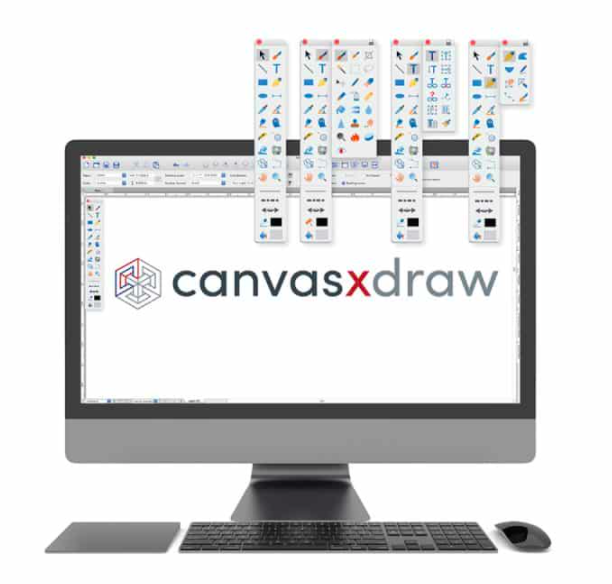

Canvas X Draw
Version 7
Shareware
$99.00
0 downloads
Drawing with Precision
Canvas X Draw comes loaded with tools and techniques that allow you to easily create scale drawings, floor plans, architectural designs, and other technical drawings with measured precision and placement. Snap objects into exact positions relative to each other, draw from the center points of objects, define the scale for scale drawings, systematically align objects, display size information as you work, and add dimension objects.
Work with Vector and Raster Images
Canvas X Draw's unique and integrated design environment makes it possible to work with and combine all graphical elements and apply high end effects to each in a single document. Thanks to the ability to work with both vector graphics and raster images with the same powerful enhancement tools, Canvas X users are able to create professional-looking outputs while preserving complete editing control of all graphical data.
Add Objects on the Fly
Canvas X Draw comes stocked with a diverse range of commonly used and specialized technical symbols. Or you can create your own from any vector, text, composite, or paint object, and add it to the Symbol Library. And if you alter a symbol in the palette, all copies of it in the document will change along with it, allowing you to maximize efficiency.
Vector Object Versatility
Experience complete flexibility while working dynamically with vector objects. Canvas Xs adaptable Sprite technology can be used to apply image and transparency effects without rendering, allowing you to continue to edit your graphics at any time. Do more with specialized technologies, such as gradient transparency tools, vector masks, opacity effects, channel masks, and much more.
Raise the Bar with Raster Images
Design, edit, and upgrade raster images with a variety of industry-leading tools and filters. Form composites, touch up photos, create and utilize transparency effects, paint, clone pixels, and more.
Canvas X Draw comes loaded with tools and techniques that allow you to easily create scale drawings, floor plans, architectural designs, and other technical drawings with measured precision and placement. Snap objects into exact positions relative to each other, draw from the center points of objects, define the scale for scale drawings, systematically align objects, display size information as you work, and add dimension objects.
Work with Vector and Raster Images
Canvas X Draw's unique and integrated design environment makes it possible to work with and combine all graphical elements and apply high end effects to each in a single document. Thanks to the ability to work with both vector graphics and raster images with the same powerful enhancement tools, Canvas X users are able to create professional-looking outputs while preserving complete editing control of all graphical data.
Add Objects on the Fly
Canvas X Draw comes stocked with a diverse range of commonly used and specialized technical symbols. Or you can create your own from any vector, text, composite, or paint object, and add it to the Symbol Library. And if you alter a symbol in the palette, all copies of it in the document will change along with it, allowing you to maximize efficiency.
Vector Object Versatility
Experience complete flexibility while working dynamically with vector objects. Canvas Xs adaptable Sprite technology can be used to apply image and transparency effects without rendering, allowing you to continue to edit your graphics at any time. Do more with specialized technologies, such as gradient transparency tools, vector masks, opacity effects, channel masks, and much more.
Raise the Bar with Raster Images
Design, edit, and upgrade raster images with a variety of industry-leading tools and filters. Form composites, touch up photos, create and utilize transparency effects, paint, clone pixels, and more.
Program details
Publisher
Canvas GFXE-mail
Contact the publisherPlatforms
Mac OS XFile size
222154 KBFile date
6/25/2020License
SharewareExpires after
14 daysInstallation
Install & UninstallRecord updated
3/16/2022
