
CSharp PDF Reports
Version 2022.3.5084
Shareware
$499.00
0 downloads
There are many kind of reports can be generated using IronPDF and C# and VB .Net projects. Any report including Crystal Reports, management reports, database reports, any type of report you like, can be rendered as a PDF using IronPDF on one condition that you can output that report as HTML. I would not recommend using any reporting software that does not have HTML export capabilities anyway.
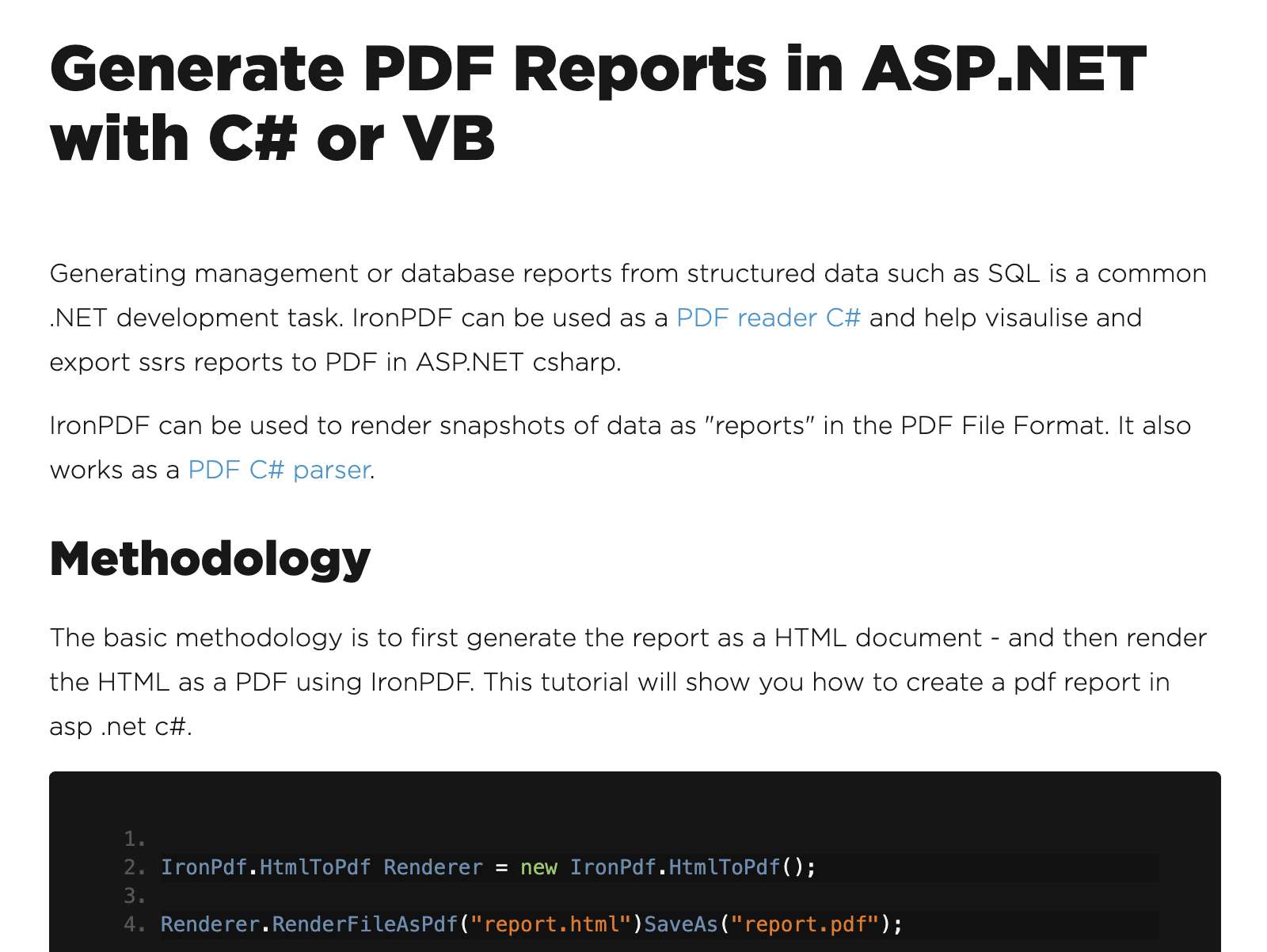
This is how you would go about building a report from HTML for PDF using IronPDF. Step one, export, create your report and export it as HTML. Step two, use IronPDF within your .Net application to render HTML to PDF pointing at the existing report HTML file.
You can render snapshots as reports using IronPDF. Any HTML snapshot can be rendered as a PDF and because PDFs can be rendered programmatically, you can do this as part of an ongoing or batch process within your .Net application.
Crystal Reports can work with C# .Net applications. Crystal Reports is a framework for generating reports. In .Net, it's become incredibly popular. Unfortunately, IronPDF works with Crystal Reports to generate PDF reports because Crystal Reports supports HTML and IronPDF supports the generation of C# PDF reports from HTML.
What is the best way to create an XML report. The best way to create an XML report is using whichever report framework you already use. It should have an XML export functionality. If it does not, I suggest moving to a reporting platform that supports XML or JSON and allows you to create reports in a format where you can export your data and work with it. You may have to pay extra for a good reporting package. It will be worth it.
This is how you would go about building a report from HTML for PDF using IronPDF. Step one, export, create your report and export it as HTML. Step two, use IronPDF within your .Net application to render HTML to PDF pointing at the existing report HTML file.
You can render snapshots as reports using IronPDF. Any HTML snapshot can be rendered as a PDF and because PDFs can be rendered programmatically, you can do this as part of an ongoing or batch process within your .Net application.
Crystal Reports can work with C# .Net applications. Crystal Reports is a framework for generating reports. In .Net, it's become incredibly popular. Unfortunately, IronPDF works with Crystal Reports to generate PDF reports because Crystal Reports supports HTML and IronPDF supports the generation of C# PDF reports from HTML.
What is the best way to create an XML report. The best way to create an XML report is using whichever report framework you already use. It should have an XML export functionality. If it does not, I suggest moving to a reporting platform that supports XML or JSON and allows you to create reports in a format where you can export your data and work with it. You may have to pay extra for a good reporting package. It will be worth it.
Program details
Publisher
CSharp PDF ReportsE-mail
Contact the publisherPlatforms
Win7 x32,Win7 x64,Win8 x32,Win8 x64,Windows 10,WinServer,Windows XP,Windows 2000,Windows NT 4.xFile size
17331 KBFile date
3/8/2022License
SharewareInstallation
Install & UninstallRecord updated
4/6/2022


