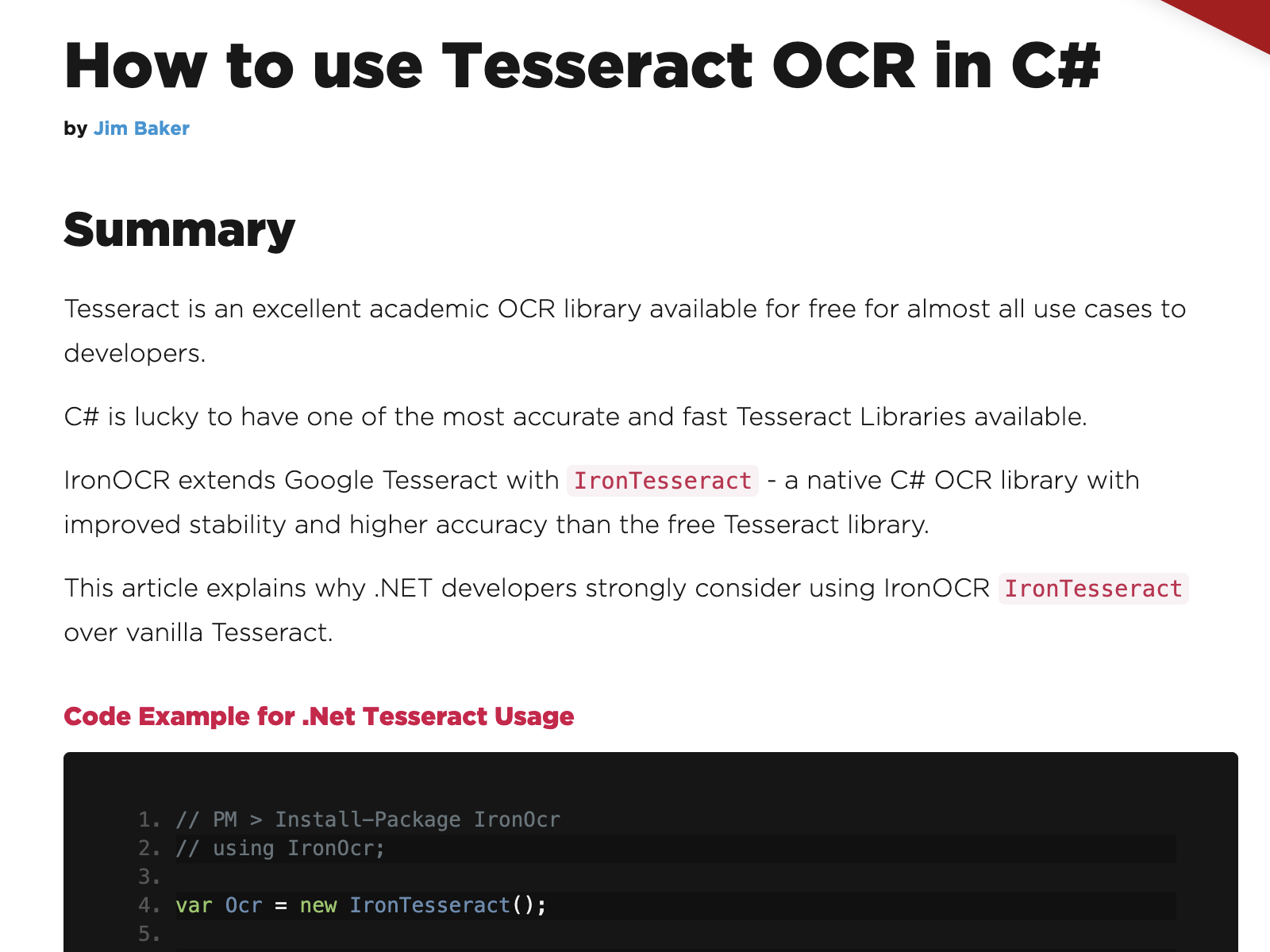

How to use Tesseract OCR in C#
Version 2020.1
Shareware
$399.00
0 downloads
Iron OCR can use the Tesseract 3, Tesseract 4, and
Tesseract 5 engine. It provides these on Windows,
Linux, and Mac operating systems, and everything you
need is installed automatically when you install the
Iron OCR NuGet package:
https://www.nuget.org/packages/IronOcr/
Tesseract itself is a command line executable which
may not be appropriate for using in real-world
scenarios such as web applications. Iron OCR provides
the latest Tesseract 5 technology directly to .NET
developers without requiring them to install Tesseract
onto their host operating system manually. We find
that Iron OCR provides an advanced image sampling and
upscaling technology, ensuring that even low quality
scans get great results with Iron Tesseract:
https://ironsoftware.com/csharp/ocr/tutorials/c-sharp-
tesseract-ocr/
Iron OCR can be used in any type of .NET project. We
find it is regularly popular in the development of
server applications and desktop applications. We have
also seen customers use it within web applications to
scan uploaded content and turn it into text, which can
then be purposed for another use, such as a database.
Iron OCR allows us to read image files, such as TIFFs,
JPGs, GIFs, and PNGs, in .NET using Tesseract. Iron
OCR (https://ironsoftware.com/csharp/ocr/) also
provides PDF OCR technology using Tesseract
within .NET applications.
You will be able to find code examples on the Iron
Software website showing how to use Iron OCR as a
Tesseract alternative for .NET and C# projects. It
includes examples of PDF OCR using Tesseract in C#.
Please also find information on licensing here:
https://ironsoftware.com/csharp/ocr/licensing/
Iron OCR allows developers to treat PDFs as if they
were scanned images and provides full functionality
for PDF OCR. This includes not only reading PDFs and
turning them back into plain text, but also producing
PDFs. Iron OCR can use its Tesseract engine to create
a search indexable PDF from a flat PDF or image-based
contet.
Tesseract 5 engine. It provides these on Windows,
Linux, and Mac operating systems, and everything you
need is installed automatically when you install the
Iron OCR NuGet package:
https://www.nuget.org/packages/IronOcr/
Tesseract itself is a command line executable which
may not be appropriate for using in real-world
scenarios such as web applications. Iron OCR provides
the latest Tesseract 5 technology directly to .NET
developers without requiring them to install Tesseract
onto their host operating system manually. We find
that Iron OCR provides an advanced image sampling and
upscaling technology, ensuring that even low quality
scans get great results with Iron Tesseract:
https://ironsoftware.com/csharp/ocr/tutorials/c-sharp-
tesseract-ocr/
Iron OCR can be used in any type of .NET project. We
find it is regularly popular in the development of
server applications and desktop applications. We have
also seen customers use it within web applications to
scan uploaded content and turn it into text, which can
then be purposed for another use, such as a database.
Iron OCR allows us to read image files, such as TIFFs,
JPGs, GIFs, and PNGs, in .NET using Tesseract. Iron
OCR (https://ironsoftware.com/csharp/ocr/) also
provides PDF OCR technology using Tesseract
within .NET applications.
You will be able to find code examples on the Iron
Software website showing how to use Iron OCR as a
Tesseract alternative for .NET and C# projects. It
includes examples of PDF OCR using Tesseract in C#.
Please also find information on licensing here:
https://ironsoftware.com/csharp/ocr/licensing/
Iron OCR allows developers to treat PDFs as if they
were scanned images and provides full functionality
for PDF OCR. This includes not only reading PDFs and
turning them back into plain text, but also producing
PDFs. Iron OCR can use its Tesseract engine to create
a search indexable PDF from a flat PDF or image-based
contet.
Program details
Publisher
Jim BakerE-mail
Contact the publisherPlatforms
Win7 x32<br>Win7 x64<br>Windows 10<br>WinServer<br>Windows XP<br>Windows 2000<br>WinVista<br>WinVista x64<br>WinOtherFile size
43038 KBFile date
12/1/2021License
SharewareInstallation
Install & UninstallRecord updated
4/19/2021


