Windows Cards & Stickers Labeling Tool
Version 8.2.0.2
Shareware
$49.00
0 downloads
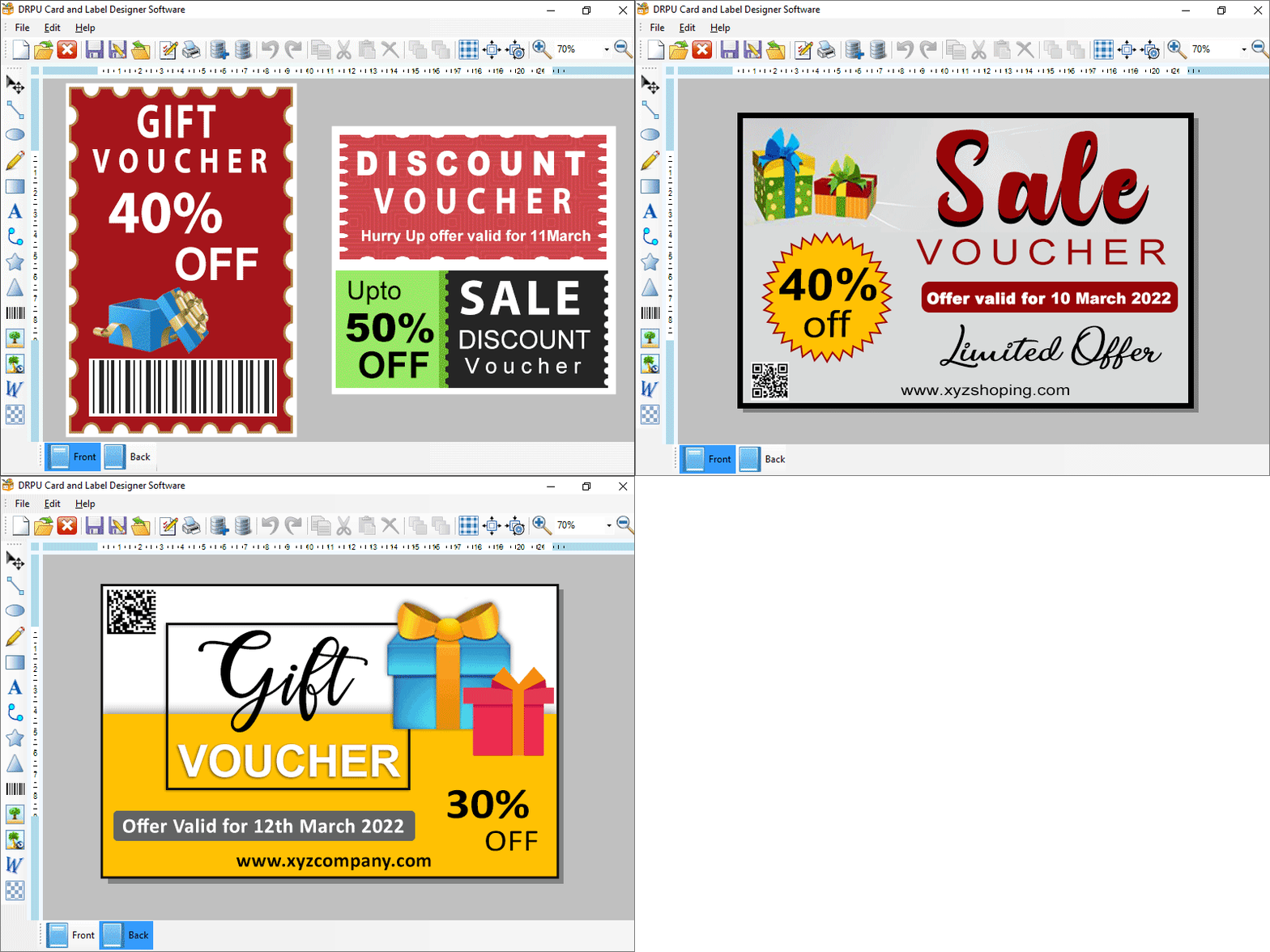
User can design stylish unlimited cards and labels with image designing tool. Software includes so many predefine templates for designing card structure. Card and Label Creating Solution perform to print customize cards, stickers and labels. Create your label using wizard and blank format option select any option for new badges format then enter label name and size. Here are some important steps for designing professional cards: Step-1 Download and install Custom Designed Stickers Maker Software. Step-2 Choose option for design your business card create label by using wizard option and with blank format option. Step-3 Click next option to specify the name and size of label (width/height) Step-4 Selects the type of fold according to requirements: *Quarter fold (slide or top flip) *Half fold (slide or top flip) *Postcard (no fold) Step-5 Set your label shape and background color also user can add barcode label on your designer card as per user wants Step-6 Adjusts your card properties for creating best designer cards. Application provides many card properties in which user can change the style, background and color of card. Step-7 Software produces print setting option to print card and label as per user needs. Highlighted features: *Create and design customizable multiple cards in just few clicks. *Advance email setting option to send your designer card to other users email address. *Card and label maker software generate multiple cards using batch processing feature. *Design both sides of your cards using card label maker software. *Add barcode label on your card clicking on left side of wizard screen.
Program details
Publisher
custombarcodelabels.orgE-mail
Contact the publisherPlatforms
Win7 x32,Win7 x64,Win8 x32,Win8 x64,Windows 10,Windows XP,WinVista x64File size
11 KBFile date
3/4/2022License
SharewareInstallation
Install & UninstallRecord updated
3/5/2022


