
DeskLook
Version 3.5
Shareware
$24.90
1 downloads
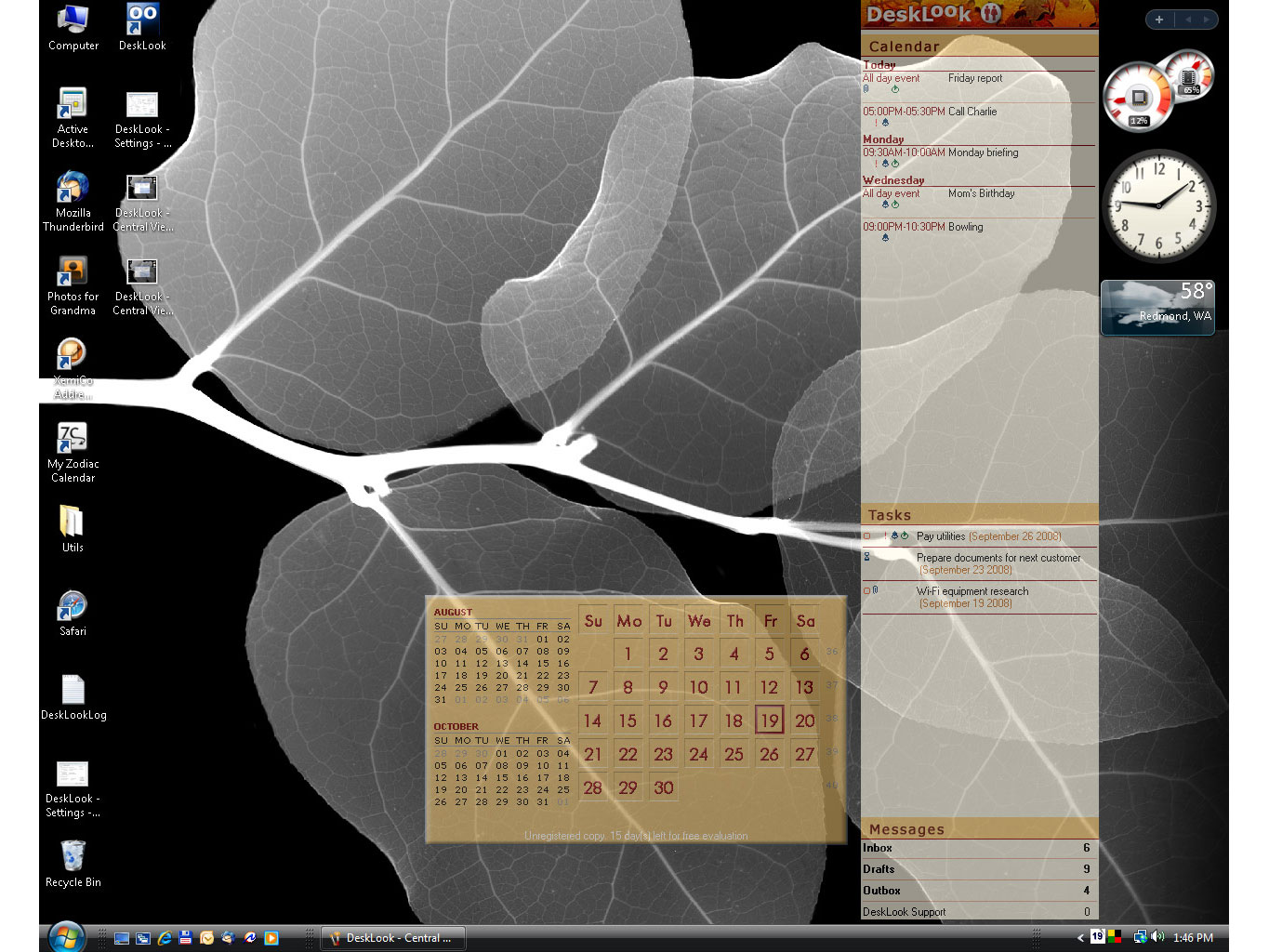
DeskLook for Outlook reads tasks and appointments
directly from your Outlook and shows them conveniently
on the interactive desktop together with a calendar
for three months. It can also count unread email
messages in selected folders and show that information
on the desktop, too. Everything you see is interactive
so you can simply double click an appointment directly
on the desktop to get it opened in Outlook, or double
click the contacts link to bring up Outlook Contacts,
etc. When it comes to desktop appearance you can
choose between the customizable side bar and the fixed
central view on your data. Both views are carefully
designed and available in three different styles with
changeable transparency. DeskLook for Outlook is able
to start Outlook by itself so you can use its launch
on startup option to have both programs automatically
started each time you switch on your computer.
Finally, you can set the program's taskbar icon to pop-
up the central data view on a double click. Native 64-
bit version is available.
directly from your Outlook and shows them conveniently
on the interactive desktop together with a calendar
for three months. It can also count unread email
messages in selected folders and show that information
on the desktop, too. Everything you see is interactive
so you can simply double click an appointment directly
on the desktop to get it opened in Outlook, or double
click the contacts link to bring up Outlook Contacts,
etc. When it comes to desktop appearance you can
choose between the customizable side bar and the fixed
central view on your data. Both views are carefully
designed and available in three different styles with
changeable transparency. DeskLook for Outlook is able
to start Outlook by itself so you can use its launch
on startup option to have both programs automatically
started each time you switch on your computer.
Finally, you can set the program's taskbar icon to pop-
up the central data view on a double click. Native 64-
bit version is available.
Program details
Publisher
XemiComputers Ltd.E-mail
Contact the publisherHome page
http://www.desklook.com/Platforms
Windows XPFile size
1129 KBFile date
4/11/2008License
SharewareInstallation
Install & UninstallRecord updated
12/1/2008

