Focus Genie
Version 2.1
Shareware
$19.95
3 downloads
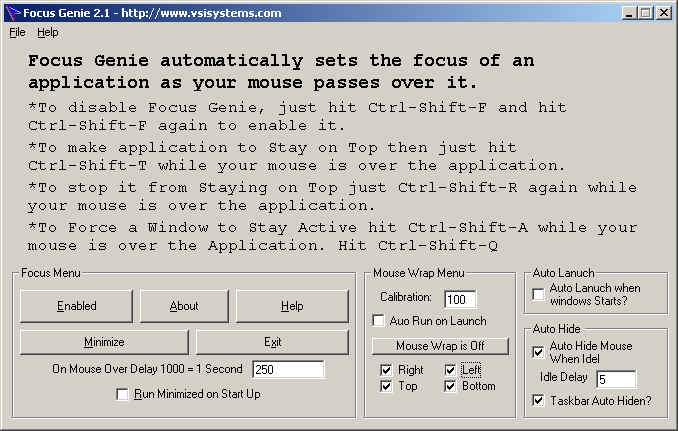
Focus Genie 2.1 automatically sets the focus of an
application as your mouse passes over it. To disable
Focus Genie, just hit Ctrl-Shift-F and hit Ctrl-Shift-
F again to enable it. If you would like an application
to Stay on Top then just hit Ctrl-Shift-T to stop it
from Staying on Top just Ctrl-Shift-T again.
application as your mouse passes over it. To disable
Focus Genie, just hit Ctrl-Shift-F and hit Ctrl-Shift-
F again to enable it. If you would like an application
to Stay on Top then just hit Ctrl-Shift-T to stop it
from Staying on Top just Ctrl-Shift-T again.
Program details
Publisher
Vic SzamodyE-mail
Contact the publisherHome page
http://www.vsisystems.com/Platforms
Windows 95<br>Windows 98<br>Windows ME<br>Windows File size
1500 KBFile date
7/21/1999License
SharewareExpires after
30 daysInstallation
Install & UninstallRecord updated
9/17/2002


