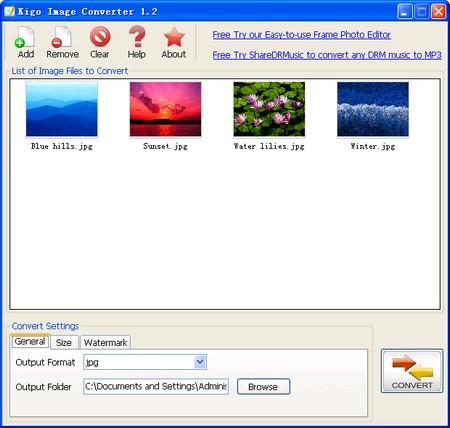

Kigo Image Converter
Version 2.1.1
Freeware
Free
0 downloads
The main purpose of the Kigo Image Converter is
changing formats of existing image files. scale images
up or down, add watermark to image files. Fully
supports batch converting.
It's quite simple to use Kigo Image Converter. Launch
the program. Add files for conversion. Specify
conversion options press "convert" button. This is
all you need to know to successfully use the program
and get directly results. You could select an image as
watermark now.
changing formats of existing image files. scale images
up or down, add watermark to image files. Fully
supports batch converting.
It's quite simple to use Kigo Image Converter. Launch
the program. Add files for conversion. Specify
conversion options press "convert" button. This is
all you need to know to successfully use the program
and get directly results. You could select an image as
watermark now.
Program details
Publisher
May WuE-mail
Contact the publisherPlatforms
Windows XPFile size
1163 KBFile date
3/6/2010License
FreewareInstallation
Install & UninstallRecord updated
6/11/2010

